



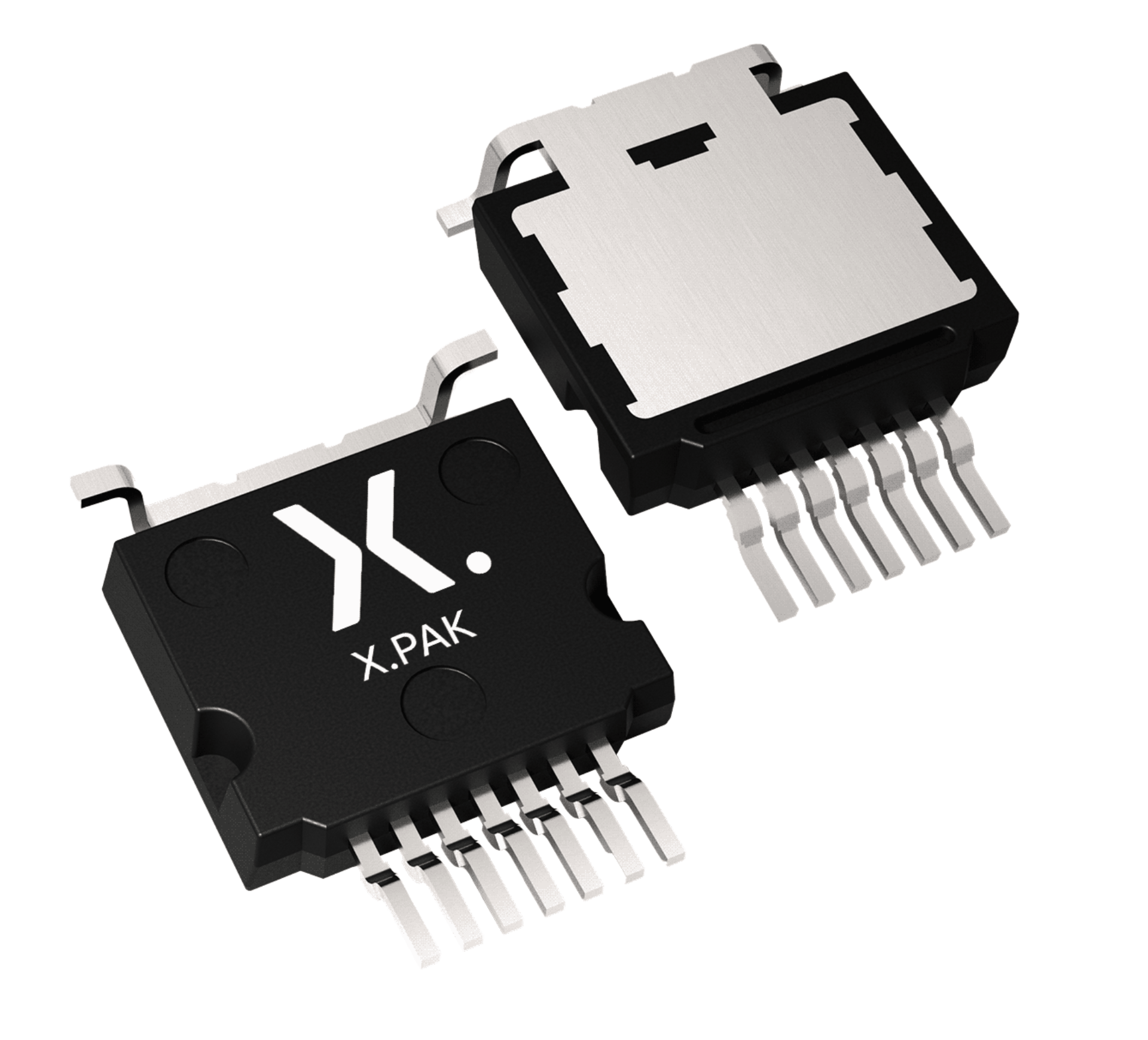






- Product details
- Documentation
- Support
- Ordering
- Interactive data sheet
Product details
Features and benefits
- Adaptive variable on time control
- Multi-mode (CCM/CrM/DCM) operations
- Supports E-mode GaN HEMT direct drive
- Line voltage feed forward
- Integrated THD enhancement circuit
- Integrated dynamic enhancement circuit
- Maximum switching frequency clamp to reduce the losses
- Valley/zero-voltage switching for minimum switching losses
- Rich protections:
- VCC UVLO/OVP
- Output OVP
- Cycle-by-cycle (CBC) current limit
- Open-loop protection (OLP)
- Overtemperature protection (OTP)
- Brown-in/brown-out
- Available in SO8 package
Applications
- Monitors or LCD televisions
- Personal computer power adapters
- USB Power Delivery quick chargers
- All off-line appliances requiring power factor correction
| Part number | Package | Body size |
|---|---|---|
| NEX83188 | SO8 | 4.9 mm x 3.9 mm x 1.75 mm |
Register once, drag and drop ECAD models into your CAD tool and speed up your design.
More informationQuality and reliability disclaimer
Support
Please contact us if you have any questions. If you are in need of design support, please fill in the technical support form, we will get back to you shortly.
Please visit our engineer exchange forum or contact us for further support.
Longevity
The Nexperia Longevity Program is aimed to provide our customers information from time to time about the expected time that our products can be ordered. The NLP is reviewed and updated regularly by our Executive Management Team. View our longevity program here.
Sample
As a Nexperia customer you can order samples via our sales organization.
If you do not have a direct account with Nexperia our network of global and regional distributors is available and equipped to support you with Nexperia samples. Check out the list of official distributors.
Interactive data sheet
How does it work?
The interactive data sheets are based on the Nexperia MOSFET precision electrothermal models. With our interactive data sheets you can simply specify your own conditions interactively. Start by changing the values of the conditions. You can do this by using the sliders in the condition fields. By dragging the sliders you will see how the MOSFET will perform at the new conditions set.
Interactive data sheet